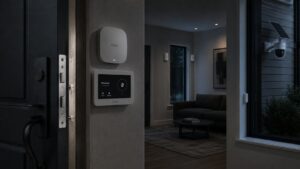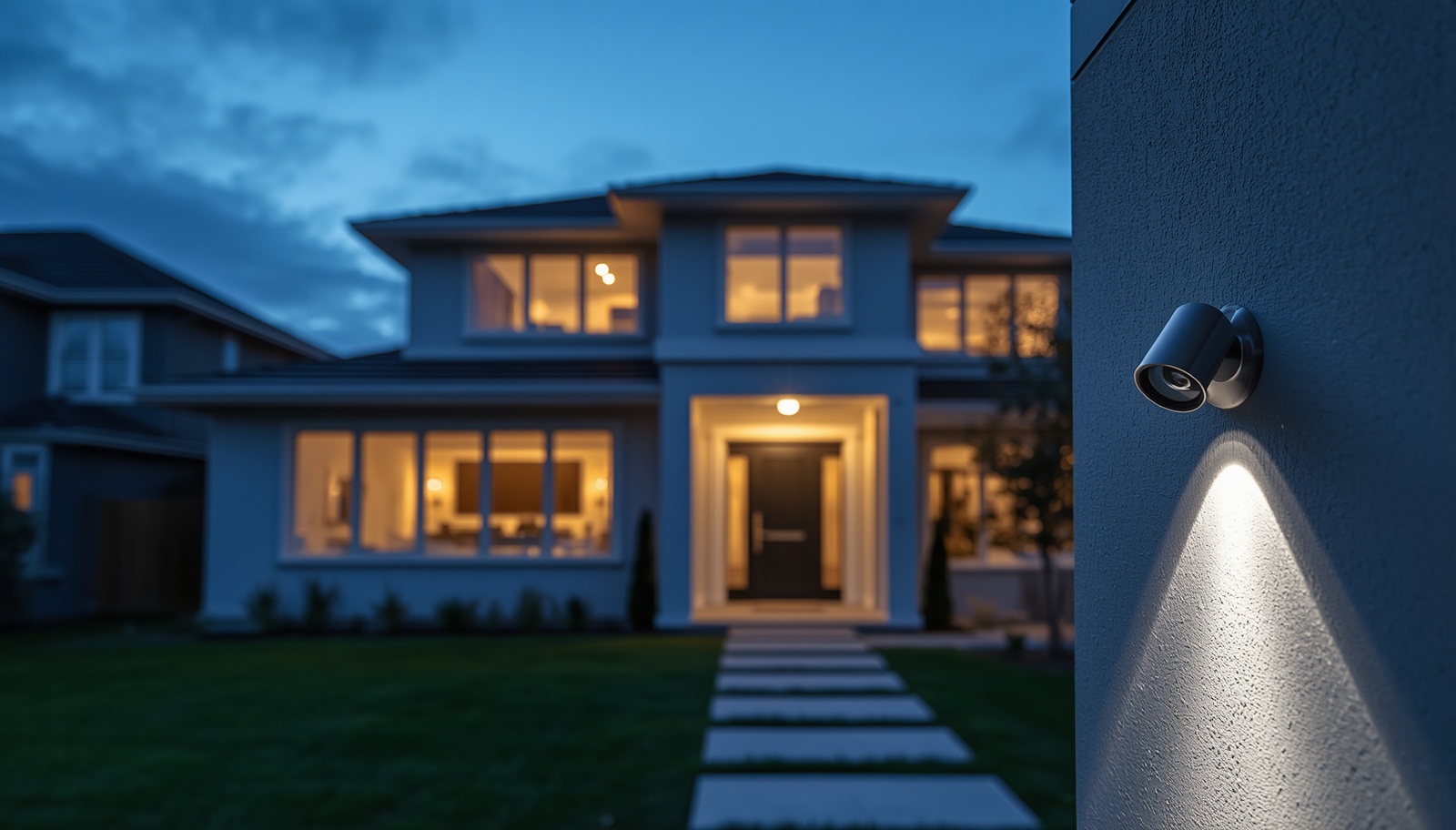
Your home has a perimeter whether you think about it or not. Every door, window, and dark corner of the yard is a potential point of entry. Good security cameras turn those weak spots into watched ground. This guide breaks down the best home security cameras of 2026, including strong picks that need no subscription, so you can build a layered setup that actually protects what matters. We tested the landscape, compared the brands, and cut through the marketing so you can buy once and buy right.
What Are The Best Home Security Cameras?
The best home security camera depends on your mission. There is no single winner for every house. Some folks want a cheap indoor camera to watch a hallway. Others want a wired NVR system that blankets a rural property. The market splits into three lanes: DIY kits you install yourself, smart home cameras that tie into Google Home or Alexa, and professionally monitored systems with 24/7 backup.
Here is the short list of security camera brands worth your time in 2026. Ring is the value king and the easiest ecosystem to grow. Eufy and Reolink lead the no-fee pack with strong local storage. Google Nest delivers premium video and smart detection. Arlo pushes the best 4K image quality. Wyze owns the budget tier. SimpliSafe and ADT bring full alarm setups with professional monitoring. Vivint handles high-end home automation. We picked the best security cameras from each lane below so you can match the tool to the threat.
Think of it this way. A camera does three jobs. It deters the bad actor who sees it and moves on. It delays anyone who pushes forward, because now they are on tape. And it feeds you intel, the recorded video you hand to police or your monitoring service. The best home security cameras do all three without nickel-and-diming you every month.
What’s the Best Home Security Camera Without a Subscription?
Most big brands hide the real cost in a monthly fee. Strip the subscription off a Ring or a Nest camera and you get live view only. Miss the alert and the footage is gone. That is the trap. The fix is local storage, where video saves to a microSD card, a USB drive, or an NVR you own.
For most homes, the best home security camera without a subscription comes from Eufy or Reolink. Eufy ships 2K and 4K cameras with edge AI detection that runs on the device, so person and animal alerts work for free. The eufyCam line stores clips on a HomeBase hub with no recurring fee. Reolink does the same with microSD and NVR options, and many of its cameras expose RTSP for use with Home Assistant or a Frigate NVR. TP-Link’s Tapo line is the budget standout, with free AI detection and free local storage in cameras that work indoors and out.
Blink deserves a mention here too. It is Amazon’s budget line, and the Sync Module 2 lets Blink cameras record motion clips to a USB drive with no monthly fee. The Blink Outdoor 4 runs two years on AA batteries. That kind of battery life matters when a camera sits on a back fence you rarely visit. If you want true no-subscription security cameras, look for local storage first and brand loyalty second.
Which Type of Camera Is Best for Home Security?
Start with the system type. A wired NVR setup gives you the most reliable whole-home coverage, because power and video run over one PoE cable and nothing depends on Wi-Fi holding a signal. Wi-Fi cameras are easier to install and perfect when you only need one or two. Wi-Fi runs stronger indoors than outdoors, so plan accordingly. Use wired cameras for outdoor coverage when you can, and save the wireless security cameras for pets, kids, elderly care, and simple indoor monitoring.
For pure home security, multiple fixed cameras beat one moving camera almost every time. A stationary cam always watches the same lane, so it never misses the entry point you set it on. Pan-tilt-zoom cameras look impressive, but auto-tracking can chase one person while missing activity somewhere else. Cover your major points of entry with fixed views: front door, back door, side doors, garage, driveway, and gates. An outdoor security camera at each one removes the blind spots an intruder would use as an attack vector.
The best camera type is the one matched to the spot. A weatherproof outdoor camera with strong night vision belongs on the perimeter. A wireless indoor camera covers hallways and common rooms. A floodlight camera at the driveway both lights the area and records it, which adds real deterrence after dark. Layer the types instead of buying five of the same.
Is Blink or Ring Better?
Both are owned by Amazon, and both are solid DIY choices, but they aim at different buyers. Ring is the premium pick. It offers a wider lineup, better video, sharper color night vision, more accurate AI detection, and the option for 24/7 professional monitoring. Ring cameras also tie into Amazon Alexa, Google Home, and Samsung SmartThings, so the ecosystem reaches further. The tradeoff is cost, both upfront and monthly.
Blink wins on price, battery life, and free local storage. The Blink Outdoor 4 and the Blink Wired Floodlight camera deliver clean enough video to know someone is in your yard, and the Sync Module 2 stores clips without a subscription. Blink only plays with Alexa, and it has no professional monitoring. Ring resolves finer detail at night, which matters when you need to identify a face or a plate rather than just confirm motion.
So which is better? Run both. Put Ring on your primary entry points where image quality and features earn their keep, like the front door and back door. Use Blink for secondary coverage on the side yard, the shed, or the garage where basic detection is enough. That split gives you strong intel where it counts and cheap eyes everywhere else. If you only want one brand and budget is tight, Blink. If you want the deeper smart home and monitoring path, Ring.
What Should You Look for in a Security Camera System?
Resolution is the obvious starting line. Treat 2K as the floor for most home security systems. A 2K camera captures faces and clothing clearly at normal range. Step up to a 4K camera if you need to zoom in after the fact on a license plate or distant activity. Do not buy on resolution alone. Lens quality, night vision, and placement matter just as much.
Watch the difference between viewing range and detection range. A camera may see 200 feet down a driveway but only detect motion within 20 to 25 feet. For long approaches, look for stronger detection or add separate motion sensors. Check the night vision distance too. Infrared gives black-and-white video and can glare off nearby walls. Color night vision uses a spotlight and shows more detail, though it may bother neighbors. Mount outdoor cameras a few inches off the wall so the infrared does not bounce back and wash out the image.
Speed is a feature people forget. Fast motion activation, ideally with a pre-record buffer, captures the moment before someone reaches the door. A slow camera starts recording after the subject has already passed. Check the retrigger time, which is the gap between one clip and the next, because a long delay can miss the action. Plugged-in cameras usually beat battery cameras on both counts.
Do You Need an Outdoor Security Camera or an Indoor Camera?
You probably need both, but they serve different goals. An outdoor security camera is your early warning line. Place it on entry points and travel paths where someone has to pass before reaching the house. Outdoor home security is about deterrence and catching trouble before it gets inside. That means weatherproof build, strong night vision, and a mount that cannot be easily knocked down.
An indoor camera covers what happens after the perimeter is crossed, or just keeps tabs on pets, kids, and an elderly parent. Indoor security is simpler. A wireless indoor camera on a shelf covering a hallway or common room does the job. The Eufy Indoor Cam C120 and Reolink E1 Zoom are strong indoor picks with local storage and no required subscription. Place an indoor cam to cover major travel paths like stairways and entry hallways.
Outdoor and indoor cameras work as a system, not as rivals. The outdoor cam delays and records the approach. The indoor cam confirms entry and tracks movement inside. Together they give you a complete picture instead of one slice of it.
How Does Smart Home Integration Change Your Setup?
Smart home support is convenient, but it should never outrank core security features. Check whether the camera works with your preferred platform before you buy. Google Home, Amazon Alexa, and Apple Home are the major options. Nest cameras integrate cleanly with Google Home and pull person, vehicle, and animal detection, though some of that lives behind a Google Home premium subscription. Ring covers Alexa, Google Home, and SmartThings across thousands of smart home devices.
Wi-Fi cameras usually offer better smart home integration than professional wired systems. You can route a camera feed to an Echo Show, trigger lights on motion, or pull up a live view by voice. That is genuinely useful for daily life. Just remember the priority order. A camera that integrates beautifully but records grainy night video is a worse buy than a plain camera that nails the footage.
If you want the smart home layer, build around one platform so your home devices talk to each other. Pick the ecosystem you already use, then choose cameras that support it. That keeps the app count down and the response time fast.
How Much Should You Pay, and What About Subscriptions?
Hardware is the small number. The recurring fee is where brands make their money. Many popular cameras allow free live view but require a subscription to save or review clips. Over five years, a cloud plan can cost more than the camera did. Check whether the plan charges per camera or covers the whole system, and how long clips stay available. Many cloud plans hold footage 30 to 60 days, then delete it, so download anything important fast.
If you want to skip the monthly bill, buy cameras with local storage: microSD cards, a local hub, or NVR storage. Eufy, Reolink, Tapo, and Lorex cameras all support footage without a subscription. Blink does it through the Sync Module. You give up a little, mostly slower clip retrieval and sometimes weaker AI, but you own your data and your cameras keep recording even when the internet drops.
Balance price against reliability. A cheap indoor camera is fine for watching a room. For full outdoor home security, invest in better hardware and stick with known brands that have solid apps, real support, and replacement options. A good security camera system should last years and hand you dependable video the one time you actually need it.
Which Cameras Should You Buy in 2026?
Here is the quick read on the best home security cameras of 2026, sorted by what you need. For overall value and a smart home ecosystem you can grow, Ring is the top pick. For the best outdoor security cameras without a subscription, Eufy and Reolink lead, with the eufyCam S3 Pro and Reolink Argus 4 Pro standing out. For the best budget camera, the Wyze Cam v4 and the Tapo C120 are hard to beat.
Want premium image quality and smart detection? Arlo and Google Nest are your best security camera options, though both lean on cloud plans. Need a complete home security system with 24/7 professional monitoring? ADT, SimpliSafe, and Vivint offer full setups where cameras tie into a monitored alarm. SimpliSafe’s cameras and Lorex’s cameras both pair well with larger systems, and Lorex stands out for no-subscription NVR storage.
Match the number of cameras to your home. A small apartment might need a single camera at the door. A house wants coverage at every entry point, plus an indoor cam or two. A rural property leans toward a wired NVR system. Buy for the layout you have, not the spec sheet that looks impressive.
Locking It Down: What to Remember
- Cover your points of entry first. Front door, back door, side doors, garage, driveway, and gates close the obvious attack vectors.
- Go wired NVR for whole-home reliability, and use Wi-Fi cameras for a camera or two, pets, or simple indoor monitoring.
- 2K is the floor, 4K is the upgrade. Resolution matters, but lens, night vision, and placement matter just as much.
- Want no monthly fee? Choose Eufy, Reolink, Tapo, Lorex, or Blink with local storage and skip the subscription trap.
- Blink for budget, Ring for features. Run both if you can, Ring on key entry points and Blink for secondary coverage.
- Fixed cameras beat one moving camera for steady, blind-spot-free home security.
- Check detection range, not just viewing range, and confirm night vision reaches your yard.
- Smart home support is a bonus, not the goal. Pick Google Home, Alexa, or Apple Home, then choose cameras that fit.
- Buy known brands with good apps and support. Your camera should still be feeding you intel years from now.